
1
Watch First
See how to pull your Trial Balance from QBO (2 min)
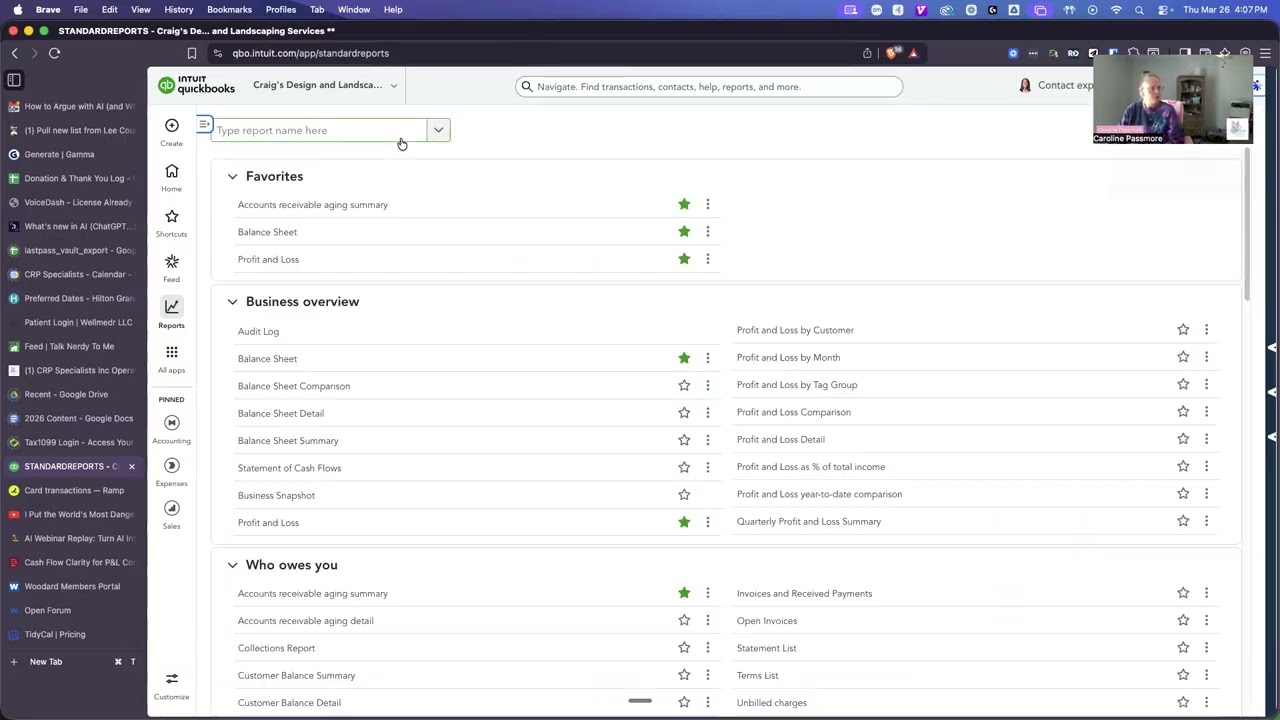
This short video walks you through exporting directly from QuickBooks Online so the data pastes cleanly into the tool below.
2
Export Your Trial Balance
Follow these steps inside QuickBooks Online
-
1In QBO, click Reports in the left-hand navigation menu.
-
2In the search bar at the top of the Reports page, type "Trial Balance" and select it from the results.
-
3Set the date range — use the most recent full month or your current period end date. Click Run report.
-
4Click the Export icon (arrow with a line) in the top right and choose Export to Excel (.xlsx).
-
5Open the downloaded file in Excel or Google Sheets. Select all the data (Ctrl+A / Cmd+A), then copy it (Ctrl+C / Cmd+C).
-
6Paste directly into the text box below (Step 4). The tool reads tab-separated or comma-separated text — Excel copy/paste works perfectly.
3
Select Your Entity Type
This helps us apply the right checks for your business structure
4
Paste Your Trial Balance Data
Copy from Excel or Google Sheets and paste below
Your data never leaves your computer. This tool runs entirely in your browser. Nothing is transmitted, stored, or shared. You can even disconnect from the internet and it still works.
--
/ 100
Calculating...
What We Found
Ready to Clean This Up?
Let's talk about what these findings mean for your business — and what Profit-Ready Books™ looks like for your firm.
Schedule a Free ConversationNo pressure. No pitch. Just clarity.